The problem: the Alt-Tab Tax
Most bids still get built the same way: a PDF viewer on one screen, Excel on the other, and a tired estimator copying every linear foot, square, and count by hand. On a 60-item bid that's hundreds of window switches — usually at 9 PM, after a 12-hour day on site.
That's where the $50k Excel error lives. Not in the formulas. In the retype. And on a hard bid, you eat it.
If you've ever thought "I just need to measure the damn plan and price it," this is the workflow.
The old way
Estimating used to be tactile: unroll the sheets, pull a scale ruler, roll a wheel, highlighter and yellow pad. Slow, but the number never left the paper. Then the digital version arrived — and split the job across windows. Print the plan, or stare at a PDF, then type the same quantities into a 10-year spreadsheet. The scale ruler got faster. The error surface got worse.
The new way
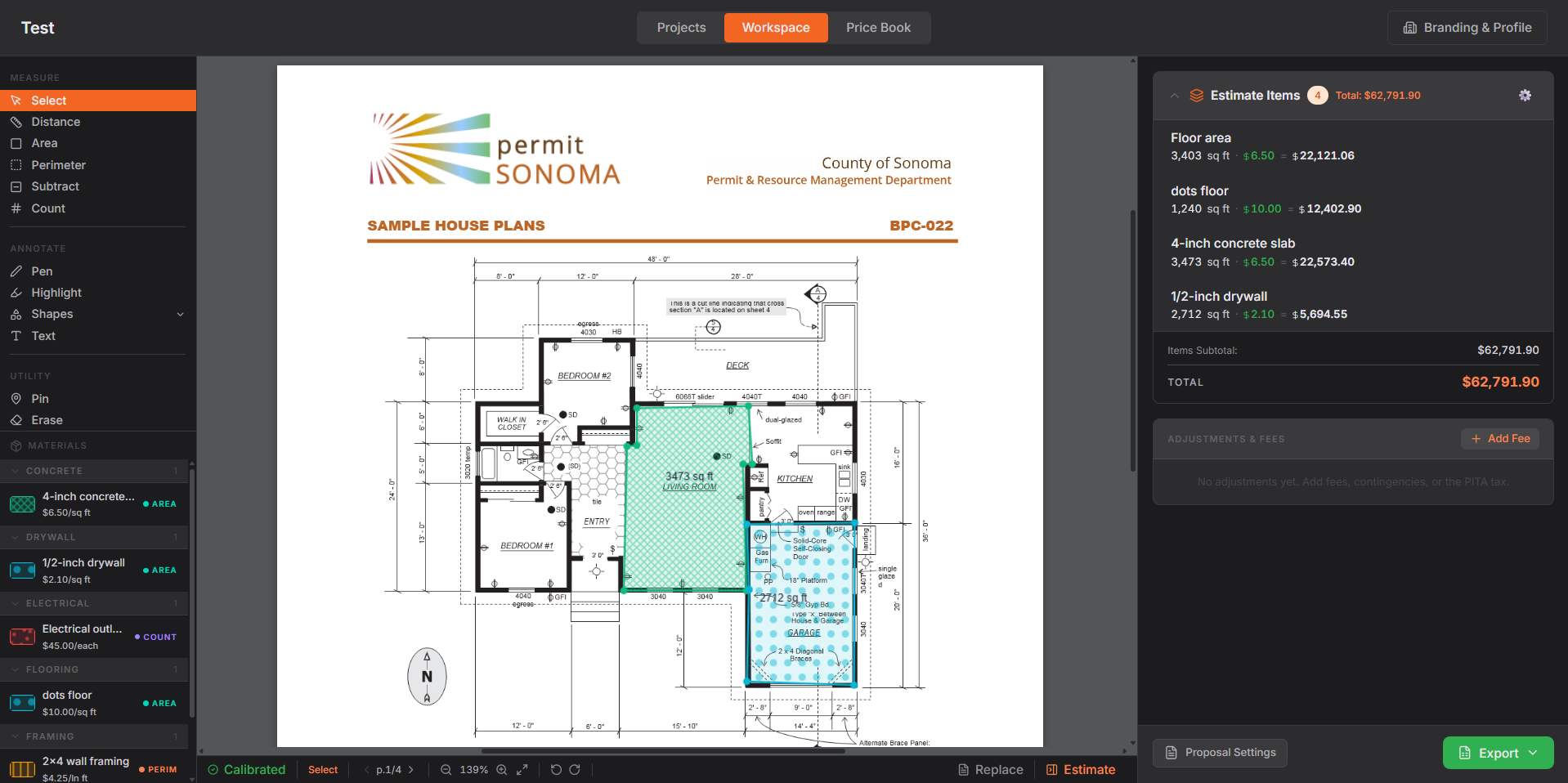
Keep the plan, the cost book, and the live estimate on one screen. Draw the measurement. It lands already priced. Export the proposal. No alt-tab. Nothing passes through your keyboard.
Step-by-step
Upload the PDF
Open app.datumplan.com, start a project, and drop in the floor plan. Multi-page sets are fine — you'll calibrate per page, the same way a scale ruler only works on the sheet in front of you.
Set the scale
Click two points on a known dimension — a door opening, a grid line, a dimension string — and enter the real-world length. Every measurement after that is in linear feet, square feet, or counts. If the page is wrong, the bid is wrong. Do this first. Don't skip it.
Measure the work
Trace walls for linear feet. Click corners for areas. Tap fixtures for counts. Each takeoff attaches to an item in your cost book — material, labor, markup — so the running total updates as you draw. You are not building a quantity list to paste later. You are building the estimate.
Price from your book, then export
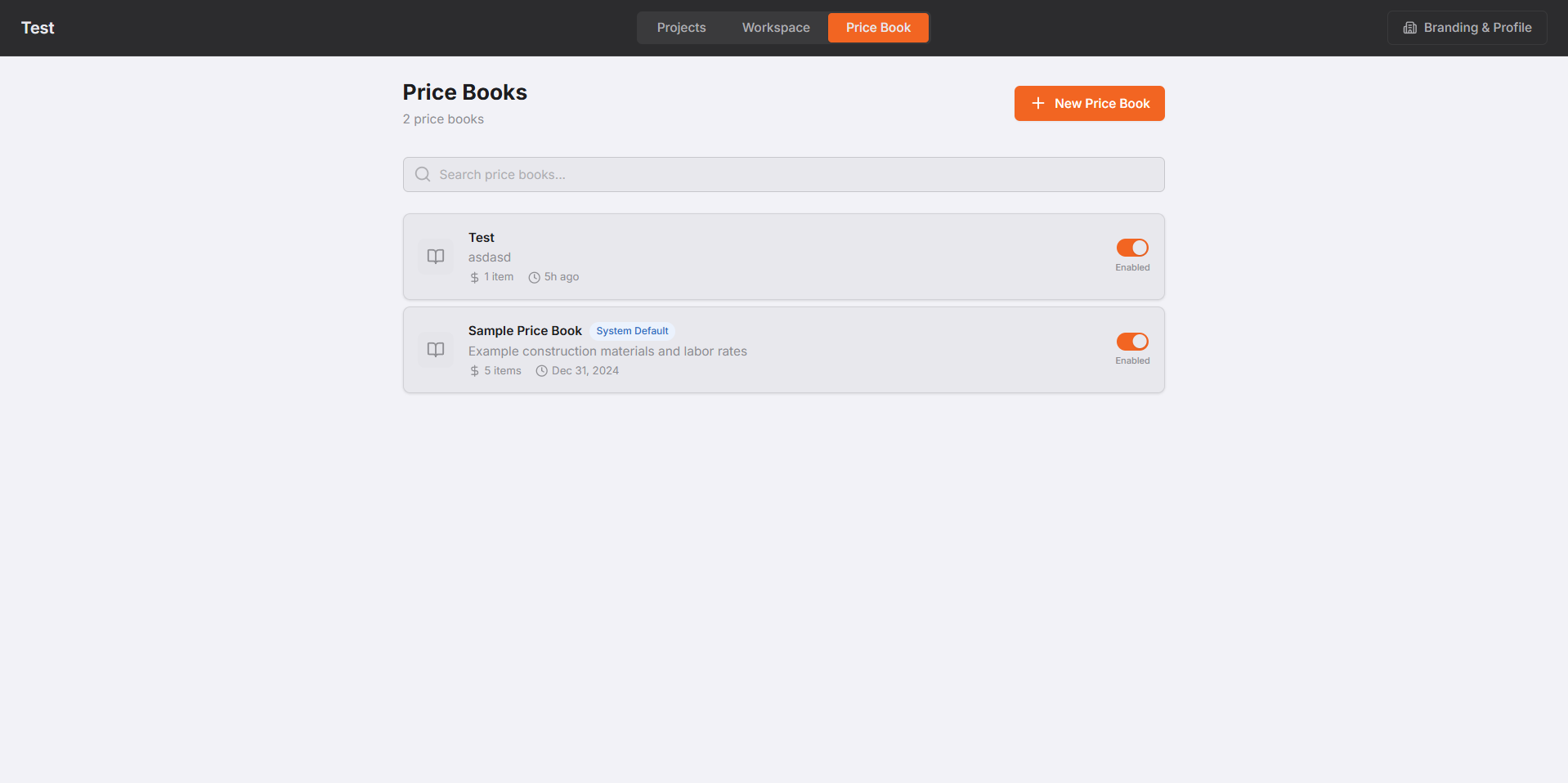
Your prices, not ours. Build the cost book once — or import a CSV — and every future takeoff prices itself. When the takeoff is done, export a structured .xlsx for a commercial hard bid or a branded PDF proposal for a residential client. One click. No reformatting in Word at midnight.
Why this is faster than a better spreadsheet
A tighter Excel template can't see the plan. The error is born the moment a measurement leaves one window and gets typed into another. Kill the retype and the missed zero has nowhere to hide. Most people can run a first real bid in about 20 minutes — not because they type faster, because they stopped typing.
Then send it
The contractor who gets a clean, priced proposal in the inbox first often wins the job. That's the point of compressing a three-hour kitchen-table session into one sitting: tire kickers cost you twenty minutes, not an evening, and the serious jobs go out before your competitor has finished the first sheet.